How Auto Upgrade Works
When enabled:- For bandwidth limits: Instead of throttling your traffic when you reach the bandwidth limit, your database will automatically upgrade to the next plan to accommodate the increased traffic.
- For storage limits:
- When eviction is off: Instead of rejecting write operations when you reach maximum data size, your database will upgrade to a plan with larger storage capacity.
- When eviction is on: Your data will be evicted and operations will resume. Auto Upgrade will not be triggered and system will rely on eviction mechanism in this case.
Managing Auto Upgrade
-
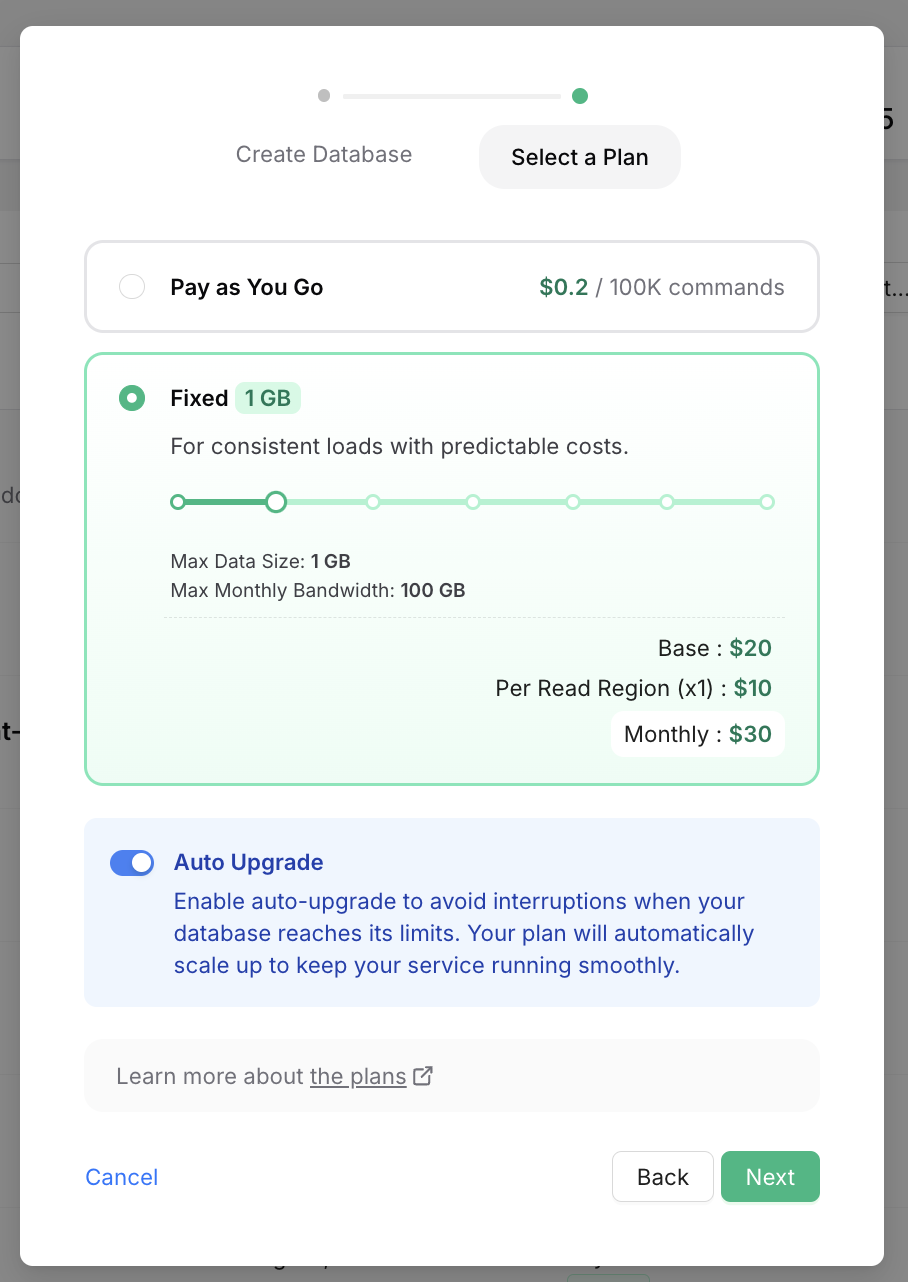
You can enable Auto Upgrade by checking the Auto Upgrade checkbox while creating a new database:
-
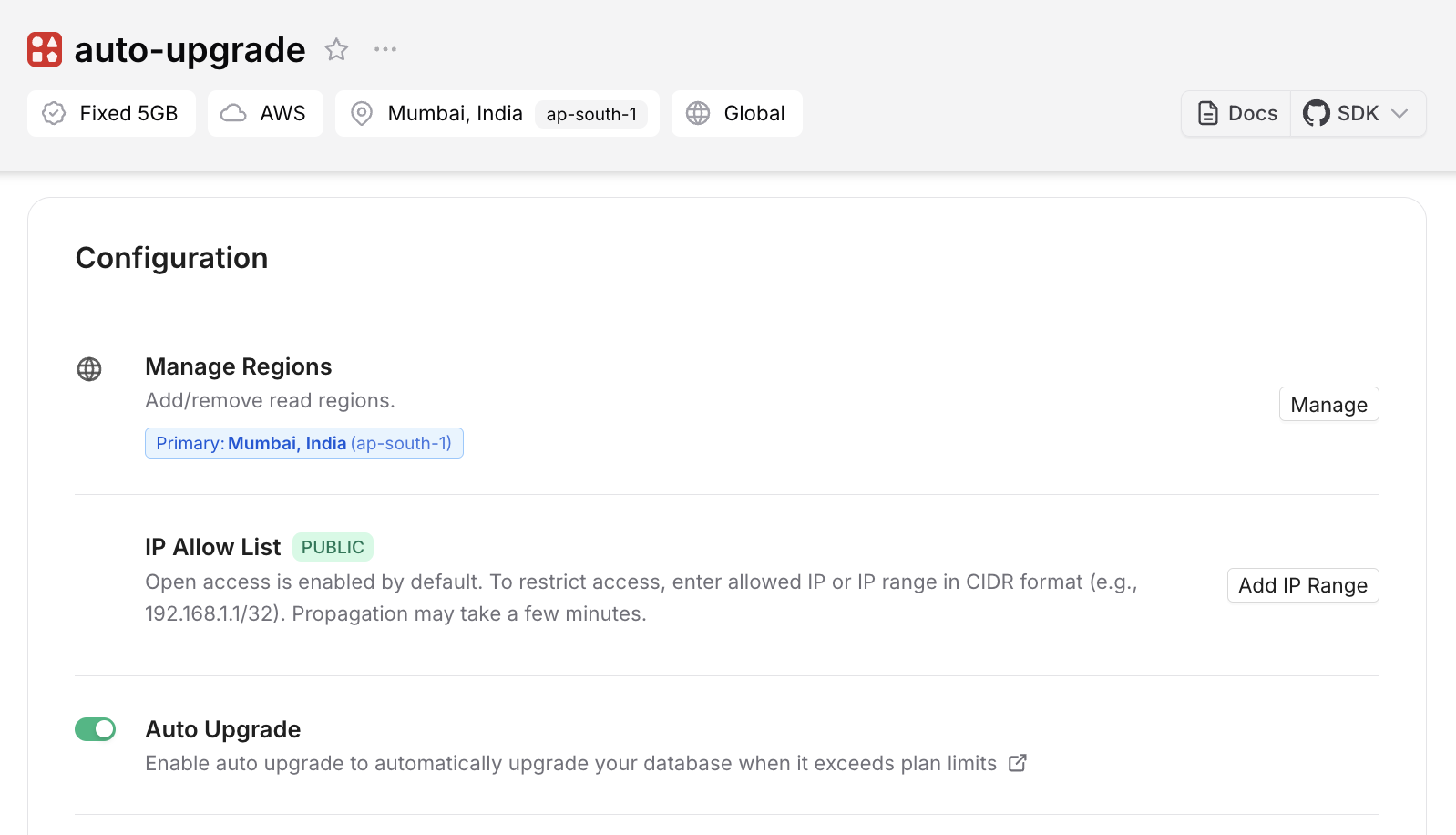
Or for an existing database by clicking Enable in the Configuration/Auto Upgrade box in the database details page: